8 Everyday Upgrades Worth Making at Home, Work & on the Road
Disclosure: This article contains affiliate links. As an Amazon Associate I earn from qualifying purchases.
Campaign disclosure: Some products featured in this article are included in Amazon Creator Connections campaigns. I may earn an additional commission on qualifying purchases at no extra cost to you.
The most useful everyday upgrades are not always the most complicated or expensive products. Often, they are the things that remove a small annoyance from something you already do repeatedly—connecting devices at your desk, keeping tires properly inflated, cleaning floors, making coffee, or dealing with wet gear.
This list brings together eight Everyday Findery picks across work, driving, home, and kitchen use. Some are inexpensive accessories, while others are larger purchases designed to automate or simplify a recurring task.
You probably do not need all eight. The better approach is to start with the routine that creates the most friction for you and decide whether making it easier is worth the cost.
Work & Desk

1. BENFEI 8-in-1 USB-C Hub
Best for: Laptop users who need more ports without turning their desk into a collection of separate adapters.
Modern laptops can be powerful while still being frustratingly limited on ports. A USB-C hub is one of those desk upgrades that makes the most sense when you regularly connect displays, storage, accessories, or other peripherals.
The BENFEI 8-in-1 hub consolidates several common connections into one compact accessory, making it particularly useful for laptop-based home offices and desks where a single USB-C connection needs to handle more than one device.
Why it’s useful
Multiple connections from one USB-C port — reduces the need for several individual adapters.
Useful for desk setups — especially practical when connecting monitors and peripherals to a laptop.
Compact form factor — easier to leave on a desk or pack with a laptop than a full docking station.
What to know
A compact hub is not necessarily a replacement for a full-powered desktop dock. The right choice depends on the displays, charging needs, transfer speeds, and peripherals you plan to connect.
2. Putnen Under-Desk Elliptical
Best for: Adding convenient seated leg movement during desk work, reading, or TV time.
Long periods at a desk can make it difficult to add movement throughout the day. The Putnen is a compact motorized pedal exerciser designed to move your feet through an elliptical motion while you remain seated.
It offers multiple manual speeds, automatic programs, forward and reverse pedaling, an LCD display, and a remote control so you can adjust the machine without repeatedly reaching underneath the desk.
Why it’s useful
12 manual speed levels — offers a range of pedal speeds while seated.
Three automatic programs — provides preset operating modes in addition to manual control.
Remote control — makes changing settings easier while the machine is beneath a desk.
Forward and reverse operation — allows movement in either direction.
What to know
This is a seated motorized pedal machine, not a replacement for a traditional elliptical or higher-intensity workout equipment. Check your desk clearance and chair position before ordering.
Car & Road
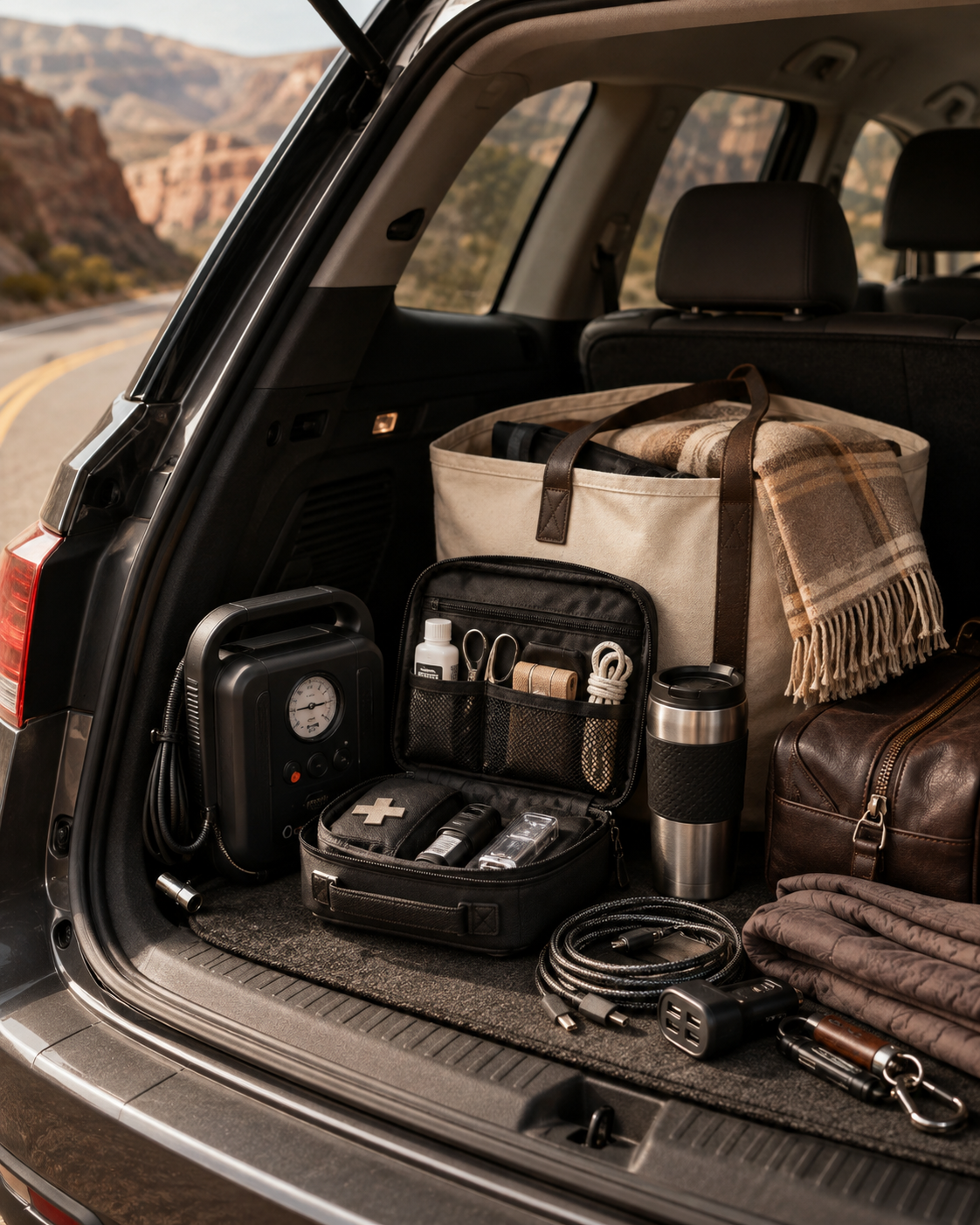
3. AstroAI C2 Cordless Tire Inflator
Best for: Drivers who want a portable tire-inflation option for routine pressure checks, road trips, and unexpected low tires.
A portable inflator can remove the need to hunt for a working gas-station air pump when a tire needs attention.
The AstroAI C2 combines a rechargeable 20V battery with 12V vehicle backup power, along with preset pressure, automatic shutoff, a digital gauge, LED lighting, and multiple inflation adapters.
Why it’s useful
Cordless + vehicle-powered operation — gives you two ways to power the inflator.
Preset pressure and auto shutoff — set the target pressure and let the unit stop automatically.
Digital pressure display — makes tire-pressure checks easier.
Multiple adapters — expands its usefulness beyond passenger-car tires.
What to know
Manufacturer inflation times depend heavily on tire size, starting pressure, temperature, and battery condition. This is best viewed as a portable maintenance and roadside inflator, not a heavy-duty shop compressor.
4. LISEN MagSafe Car Mount
Best for: Keeping a compatible phone positioned where it is easier to see for navigation without repeatedly handling it while driving.
A phone mount is a small upgrade, but it can make a big difference if you regularly use your phone for navigation, music, or hands-free functions in the car.
The LISEN mount combines magnetic phone positioning with a compact vehicle-mounted design, giving compatible phones a more permanent place in the cabin rather than leaving them in a cupholder or loose on the console.
Why it’s useful
Easy phone positioning — useful for navigation and other hands-free functions.
Magnetic attachment — makes placing and removing compatible phones quick.
Compact design — avoids taking up the space of a larger dashboard holder.
Useful for daily driving and road trips — one of those accessories that can be used every time you get in the car.
What to know
Mount compatibility depends on your phone, case, vehicle interior, and the exact mounting surface or location. Make sure the setup does not block your view or interfere with vehicle controls.
Home & Kitchen
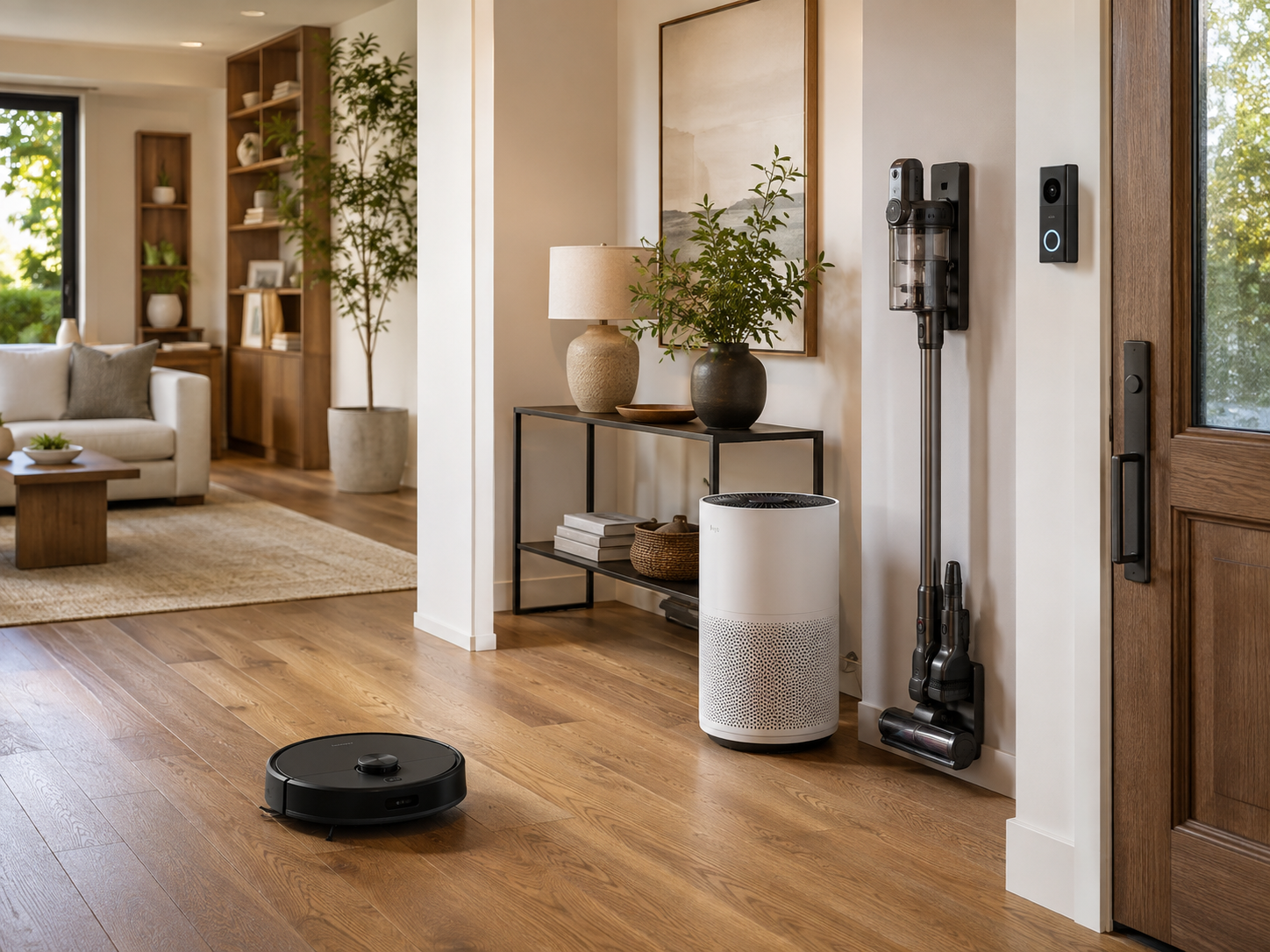
5. Roborock Q7 M5 Robot Vacuum and Mop
Best for: Automating routine floor cleaning and light mopping without committing to a large self-cleaning dock.
Routine floor cleaning is one of those chores that never really goes away. The Roborock Q7 M5 is designed to handle regular vacuuming and basic mopping with less hands-on effort.
It combines advertised 10,000Pa HyperForce suction, LiDAR navigation, multi-level mapping, carpet auto-boost, and a dual anti-tangle brush system.
Why it’s useful
Automated floor passes — lets routine vacuuming happen with less manual effort.
LiDAR navigation — maps the home and plans cleaning routes.
Vacuum + basic mopping — combines two routine floor-care functions.
Anti-tangle system — designed to reduce hair wrapping around the brushes.
What to know
This version uses a standard charging dock, so you still need to empty the onboard dustbin and maintain the mop yourself. Its mopping system is also more basic than premium robots with automated pad washing and drying.
6. EUHOMY Smart Nugget Ice Maker
Best for: Households that regularly use ice for iced coffee, sodas, smoothies, water bottles, or entertaining and prefer nugget-style ice.
A countertop ice maker is a specialized appliance, but it can make sense for households that consistently use more ice than a refrigerator or traditional freezer tray provides.
The EUHOMY produces soft nugget-style ice and adds Bluetooth app control, Alexa compatibility, a self-cleaning cycle, and a compact countertop design.
Why it’s useful
Nugget-style ice — designed for softer, chewable pebble-style ice.
High advertised daily output — useful for households that go through substantial amounts of ice.
App and Alexa compatibility — adds remote and voice-control options.
Self-cleaning mode — simplifies part of the maintenance routine.
What to know
This is an ice-making appliance, not frozen storage. Ice left in the basket will eventually melt, and the appliance requires dedicated counter space.
Manufacturer production times and daily-output figures should also be treated as estimates that depend on operating conditions.
7. CASABREWS Marenza Espresso Machine
Best for: Coffee drinkers who want a more complete home espresso setup with a built-in grinder and manual milk-frothing capability.
For someone who regularly buys espresso-based drinks, building a home coffee setup can be appealing—but a traditional setup can quickly turn into several separate appliances.
The CASABREWS Marenza combines a built-in grinder, adjustable grind settings, a 58mm brewing system, customizable brewing temperature, and a manual steam wand in one countertop machine.
Why it’s useful
Built-in grinder — removes the need for a separate grinder.
Adjustable grind settings — gives you more control over preparation.
58mm brewing system — provides a more traditional espresso-oriented workflow.
Manual steam wand — lets you texture milk for lattes and cappuccinos.
Multiple drink possibilities — suitable for espresso, americanos, milk-based drinks, and similar café-style beverages.
What to know
This is a hands-on espresso machine, not a one-button automatic coffee maker. Grinding, preparing espresso, and manually frothing milk involve more technique and cleanup than a basic pod system.
The value is strongest for someone who actually enjoys—or wants to learn—the home espresso process.
8. JobSite Mighty Dry Boot Dryer
Best for: Households that regularly deal with wet work boots, winter footwear, athletic shoes, or gloves (I’m looking at you PNW residents)
Wet boots and gloves can take a long time to dry naturally, especially when moisture reaches the lining and toe box.
The JobSite Mighty Dry uses fan-forced warm air, four drying posts, and a three-hour timer to create a dedicated drying station for compatible footwear and gear.
Why it’s useful
Fan-forced warm air — moves warm air through footwear rather than relying only on passive drying.
Four drying posts — allows up to two compatible pairs or a combination of boots and gloves.
Three-hour timer — shuts the dryer off after the selected period.
Useful across several gear types — particularly practical for work, winter, hiking, and sports gear.
What to know
Drying time varies depending on how wet the item is, its material, lining thickness, and environmental conditions.
This is also a fan-powered appliance, so it should not be expected to operate silently. Check the care instructions for specialty footwear before using heated airflow.
How to Choose Which Upgrade Is Actually Worth It
The easiest way to overspend on everyday products is to start with features instead of the problem you are trying to solve.
Before buying anything on this list, ask yourself three questions:
1. How often does the problem happen?
Something that annoys you every day deserves more attention than something that happens twice a year.
A USB-C hub used every workday may provide more practical value than a larger appliance used once a month.
2. How much effort does the product actually remove?
The biggest benefit of a robot vacuum is not that it has more specifications than a traditional vacuum—it is that routine floor cleaning can happen with less involvement.
The same principle applies to the tire inflator, boot dryer, phone mount, and other products here.
3. Is the convenience worth the space and cost?
Several products on this list require dedicated room.
A nugget ice maker and espresso machine need counter space. An under-desk elliptical needs clearance beneath the desk. A boot dryer needs somewhere to live when it is not being used.
The better upgrade is the one you will actually use enough to justify that tradeoff.
The Bottom Line
The best everyday upgrades are rarely the products with the longest feature lists. They are the ones that solve a problem you already encounter repeatedly.
For a desk setup, that might mean gaining the ports you regularly need or adding seated movement during long work sessions. On the road, it could mean having a tire inflator ready in the trunk or keeping your phone positioned for navigation. At home, it might mean automating floor cleaning, simplifying a coffee routine, keeping up with ice demand, or getting wet gear ready for another day.
You do not need all eight.
Start with the task that wastes the most time, creates the most frustration, or happens most frequently. If one of these products meaningfully simplifies that routine, that is what makes the upgrade worth considering.
